Scheduling & daily labor
See labor daily, not at payroll
Most owners find out what labor cost when payroll runs — two weeks too late to do anything about it. ProfitClock sends you yesterday's hours, cost, and exceptions every morning, and shows this week's schedule against what the day actually demands.
14-day free trial · No credit card · Cancel anytime
The daily labor flash
One email, every morning: who worked, what it cost, and what needs attention — per property. It's the five-minute habit that replaces the end-of-period payroll surprise.
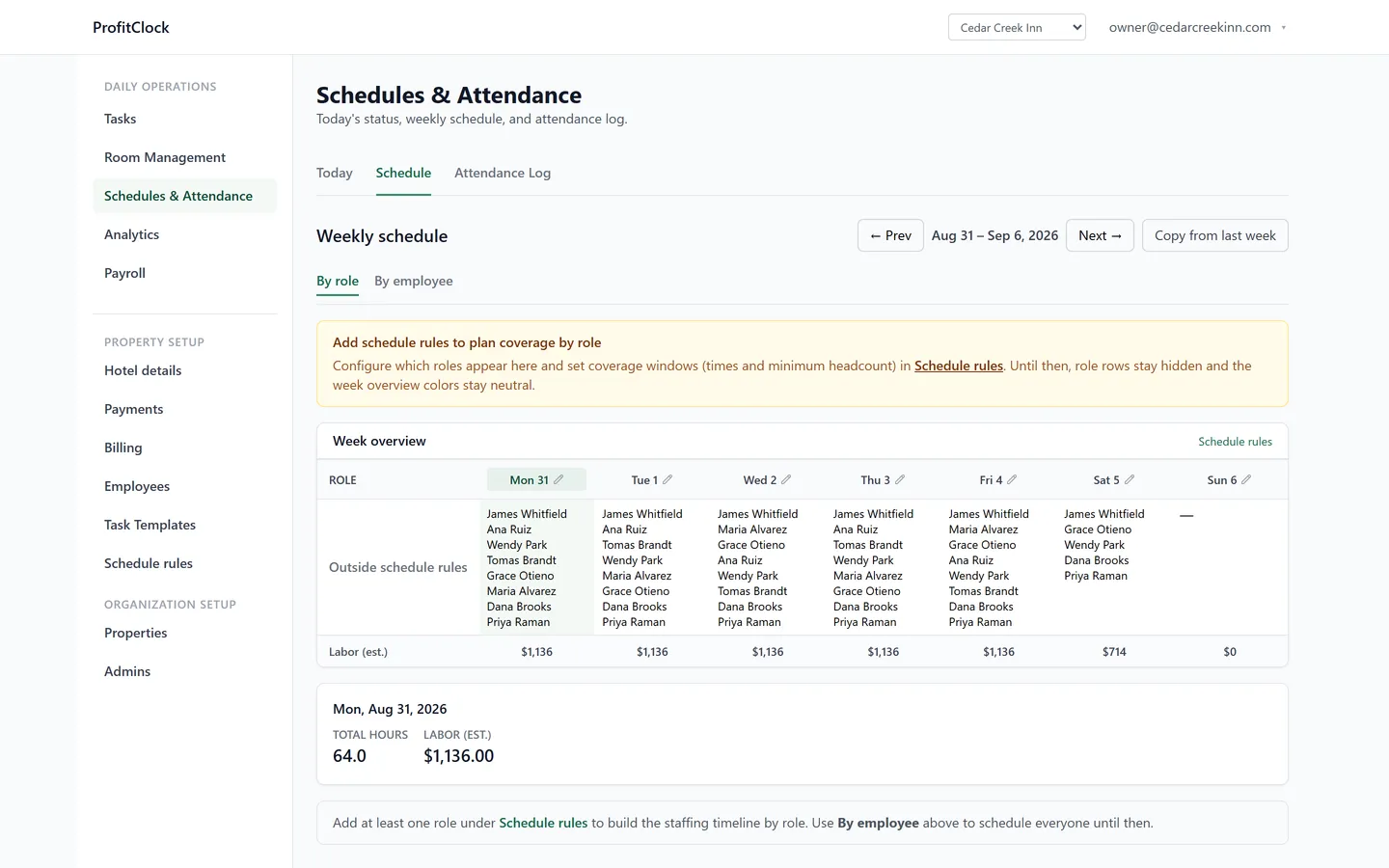
A schedule you can see
A visual board of who's on, when, across departments. Coverage gaps and stacked shifts are visible at a glance, and schedule changes take seconds — not a group text thread.
Overtime by your rules, not a default
Set daily, weekly and double-time thresholds per property — or switch a rule off where your state doesn't have one. Scheduled hours sit beside actual punches, so the week's overtime is visible while there's still a schedule to change. Every rule here is on Core.
Overtime risk, before the week ends
Hours already worked plus shifts still scheduled, measured against your weekly threshold: “on pace for 44h against 40h.” It arrives in the morning email on Smart, on the days when moving one shift still costs nothing.
Schedule against the work, not against habit
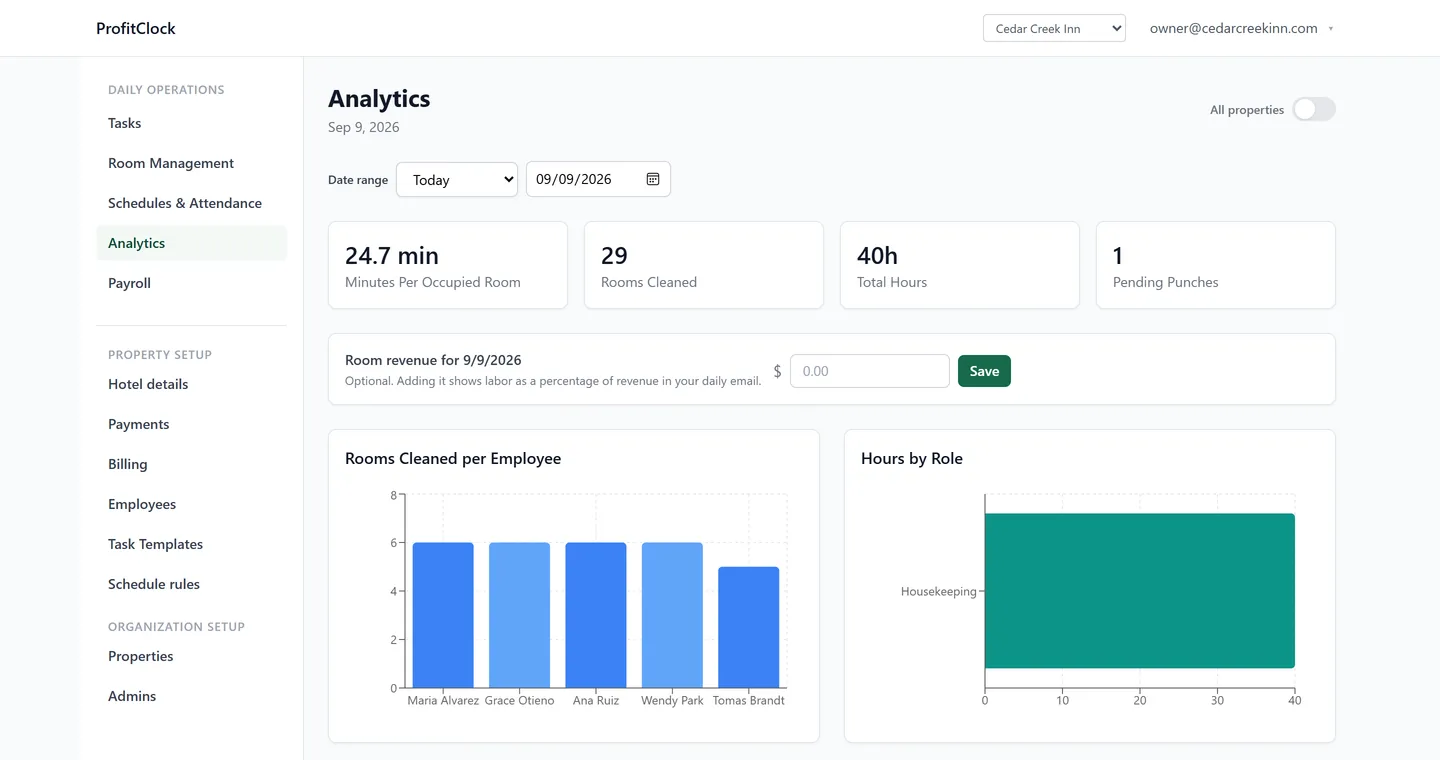
Hotels schedule by rules of thumb — "one housekeeper per 14 rooms" — set years ago and never checked. Because ProfitClock also runs your housekeeping day, your schedule sits next to the actual workload: how many checkouts, how many stayovers, how long rooms actually take at your property — measured rather than assumed, because every clean is timed against the estimate it was given, per room type and cleaning type. Turning those measurements into a standard the system suggests back to you is in build.
- Departments and roles that match a hotel: housekeeping, front desk, maintenance, laundry
- Actual hours next to scheduled hours, so variance is visible daily
- Labor per occupied room on Smart — the metric explained
- Cross-property roll-ups for portfolios — see the portfolio view
Start seeing what labor actually costs
Set up your property, put staff on the clock, and read tomorrow morning’s labor number.
14-day free trial · No credit card · Cancel anytime