Time & attendance
The time clock that lives at your front desk
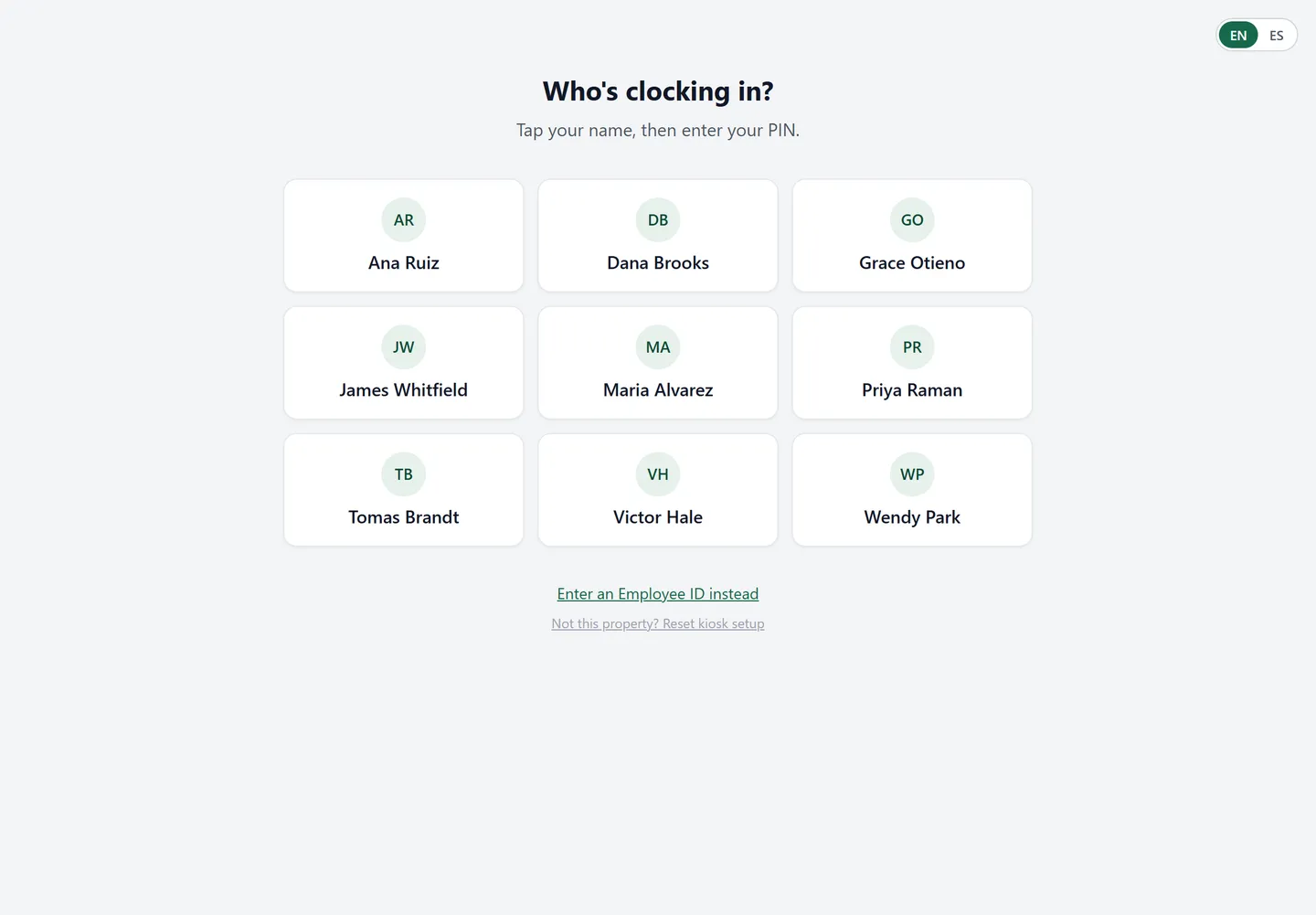
Punches happen at the property, on an iPad kiosk your staff learns in one shift — PIN in, PIN out. Every punch is verified on-site, every edit is recorded, and every morning you know exactly what yesterday's labor cost.
14-day free trial · No credit card · Cancel anytime
On-property clock-in
The kiosk anchors the punch to the building: staff clock in where they work, not from a car, a couch, or a friend's phone. Buddy punching and remote clock-ins — the habits that quietly drain 5–10% of a manual-clock payroll — stop being possible.
Approvals, not surprises
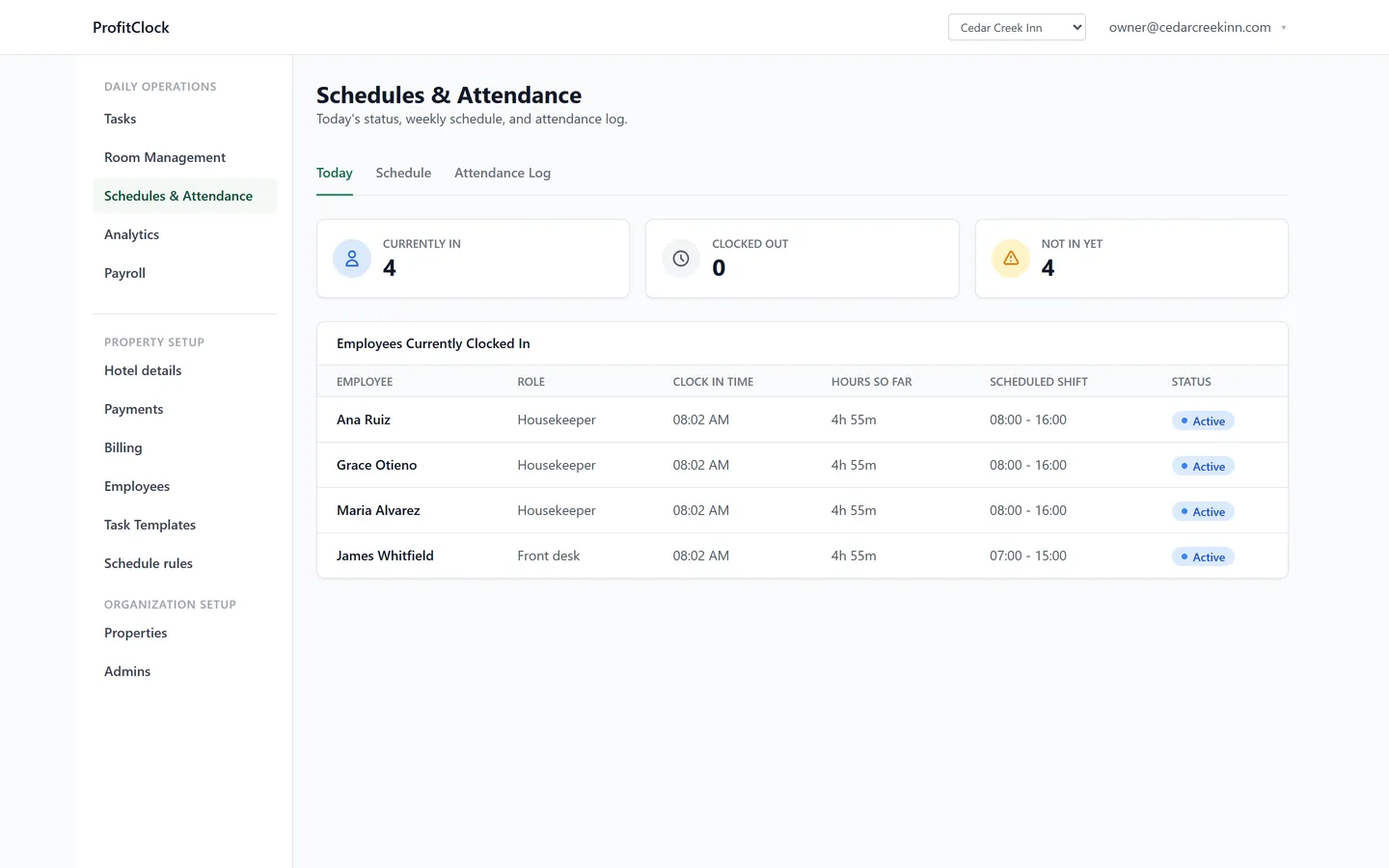
Managers review and approve punches before they count. Forgot to clock out? The fix takes one tap — and it's logged. Nothing reaches payroll that a manager hasn't seen.
A punch history that holds up
Every punch and every edit is kept, with who changed it and when. If a wage-and-hour question ever comes up, your answer is a report — not a shoebox of paper timesheets.
Why hotels can't use a generic time clock
Homebase, Deputy, and When I Work all sell time clocks — for cafés, shops, and gyms. A hotel is different in ways that show up on payroll: housekeeping hours only make sense next to how many rooms were turned; the front desk is staffed around checkouts, not foot traffic; and the person approving punches is often the owner, from another city.
ProfitClock's time clock is connected to the rest of your day. Hours land next to the tasks they paid for, the daily labor flash shows cost per property every morning, and on the Smart plan you see labor per occupied room — the number that actually tells you whether a busy week was a profitable one.
- PIN clock-in on a front-desk iPad kiosk — no app installs, no personal phones required
- Spanish-friendly staff surfaces, because your team works in more than one language
- Manager approval queue with full edit history
- Overtime rules you set per property — daily, weekly and double-time thresholds, each switchable off, because federal law and California's don't ask for the same thing
- Hours grouped on the property's own calendar day and week, not the server's — a 5pm–10pm shift stays in the day it was worked instead of splitting across two
- Hours flow straight into scheduling, overtime visibility, and the daily labor flash
- Payroll-ready exports on Smart — your payroll process doesn't change
What did labor cost yesterday?
If you can't answer in ten seconds, two weeks of real punches will.
14-day free trial · No credit card · Cancel anytime